The wedding seating chart has a reputation as the most stressful spreadsheet of the whole engagement. It doesn't have to be. With a clear order of operations and a tool that does the counting for you, most couples can make a wedding seating chart in an evening. Here's how.
When to make your seating chart
Start once most of your RSVPs are in, usually in the last month before the wedding. You can sketch it earlier, but expect to move people as replies come in. The night your caterer needs a final headcount is a good deadline, because the two numbers have to match.
Step 1: Get your final guest list in one place
Everything starts with an accurate list of who's actually coming. If you use a VowPair wedding website for RSVPs, this part is done: every guest who replies, and everyone in their party, appears on your guest list and seating chart automatically, with their meal choice. Guests who decline are kept off the tables. If you collected RSVPs somewhere else, paste the names in, one per line.
Step 2: Count your tables and seats
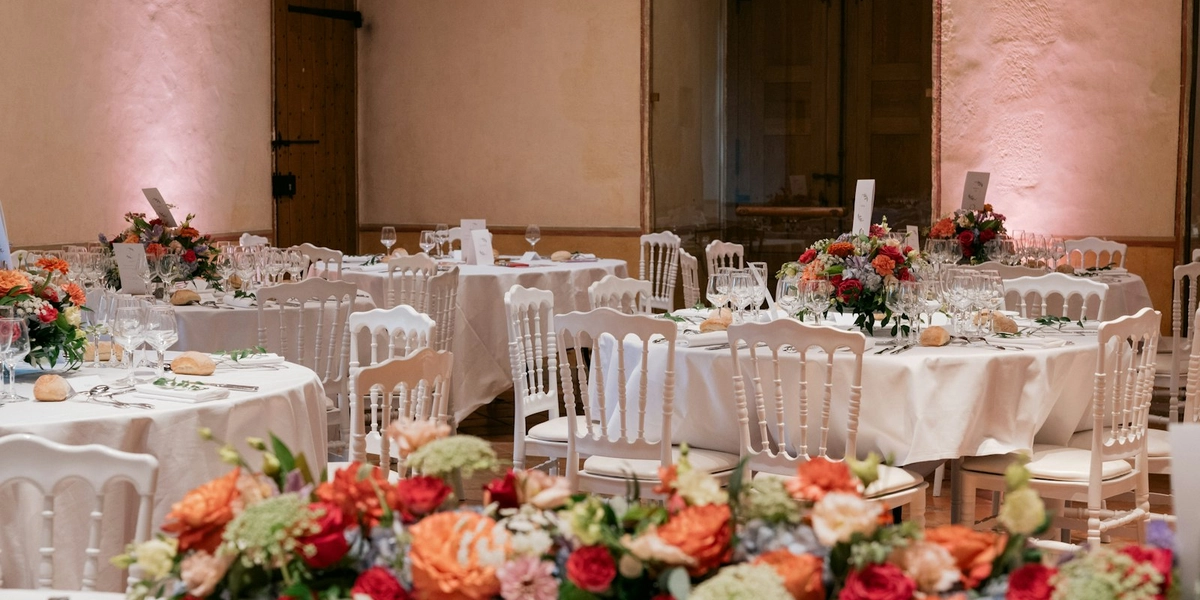
Ask your venue or rental company how many tables fit the room and how many guests each seats comfortably. Round tables and long tables seat different numbers, and a head table or sweetheart table changes the math. Add a little slack: a table that's one seat short on paper is a problem on the day.
Step 3: Seat the must-sit-togethers first
- Couples, and parents with young children, always sit together.
- Your closest people go nearest to you: parents, grandparents, the wedding party's partners.
- Guests who need easy access (older relatives, anyone with mobility needs) get tables near the doors and restrooms, away from the speakers.
Step 4: Fill in by group
Seat guests in the groups they already belong to: college friends, work friends, your soccer team, each side's cousins. It's easier on you and more fun for them. If someone doesn't fit a group, seat them with the friendliest table you have and introduce them before dinner.
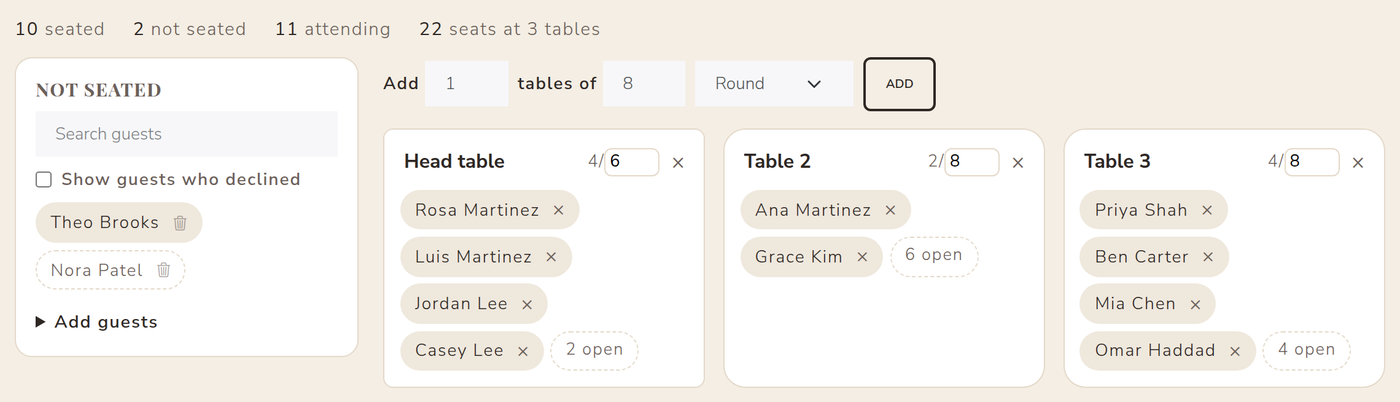
In our free seating chart maker you drag a guest onto a table, or tap a guest and then a table on your phone. Each table shows how many seats are left and turns red if it's over capacity, and a search box finds anyone in a long list. Guests who haven't RSVP'd show in a lighter style, so you can seat the confirmed ones first.
Step 5: Handle the tricky parts
- Divorced parents or family tension: give each their own table of people they're comfortable with, both a similar distance from you.
- Plus-ones you barely know: seat them with the guest who brought them, at a table with at least one other couple.
- Kids: a kids' table works for older children; younger ones sit with their parents.
- Last-minute changes: keep one or two flexible seats rather than packing every table to the limit.
Step 6: Print it and make escort cards
Your venue and coordinator need the chart by table; your guests need to find their name. The seating chart maker prints both: a chart by table, and an alphabetical list of every guest with their table number for escort cards or a welcome sign. You can also download it as a spreadsheet to send to your venue or stationer.
Seating chart tips from the day itself
- Put the seating chart where guests arrive, not inside the reception room, so they aren't bunching up at the door.
- Give your coordinator a printed copy and a digital one.
- Number tables or give them names, and use the same names everywhere: the chart, the escort cards and the table signs.
Try the wedding seating chart maker now with sample guests, no account needed. When you're ready, save it to a free VowPair plan and it stays in sync with your RSVPs. Still building your list? Our wedding checklist shows when each step is due.
Cover photo by Mathis Payet Descombes on Unsplash. Screenshots use sample data; names are fictional.