Your guests need a few things from you: when and where, how to get there, where to stay, what to wear, and a way to tell you whether they're coming. A wedding website handles all of it in one link. Paired with online RSVPs and a registry, it saves you hours of answering the same questions by text.
VowPair includes a free wedding website for every couple, with RSVPs, a registry and a matching digital invitation. Here's how it works.
Describe your wedding, and we'll draft the site
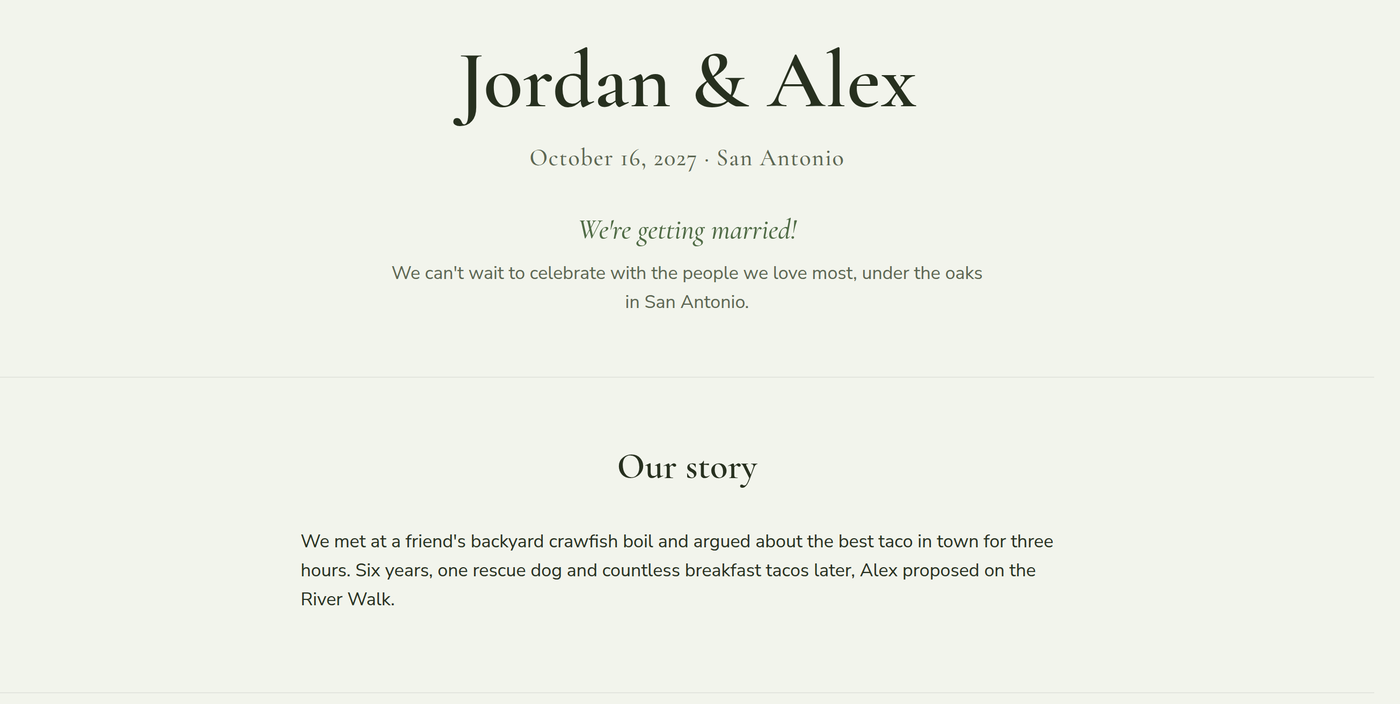
Instead of starting from a blank template, you describe your wedding in your own words: how you met, the date and venue, the vibe you're going for, anything guests should know. VowPair's writing assistant drafts a complete wedding website from that description, including:
- A welcome and your story.
- The schedule: ceremony, reception, rehearsal dinner.
- Travel and accommodation details.
- Dress code and FAQs.
You can edit every word, add photos, and choose from four themes. AI drafts can get details wrong, so read it through before you publish.
RSVPs for the whole party
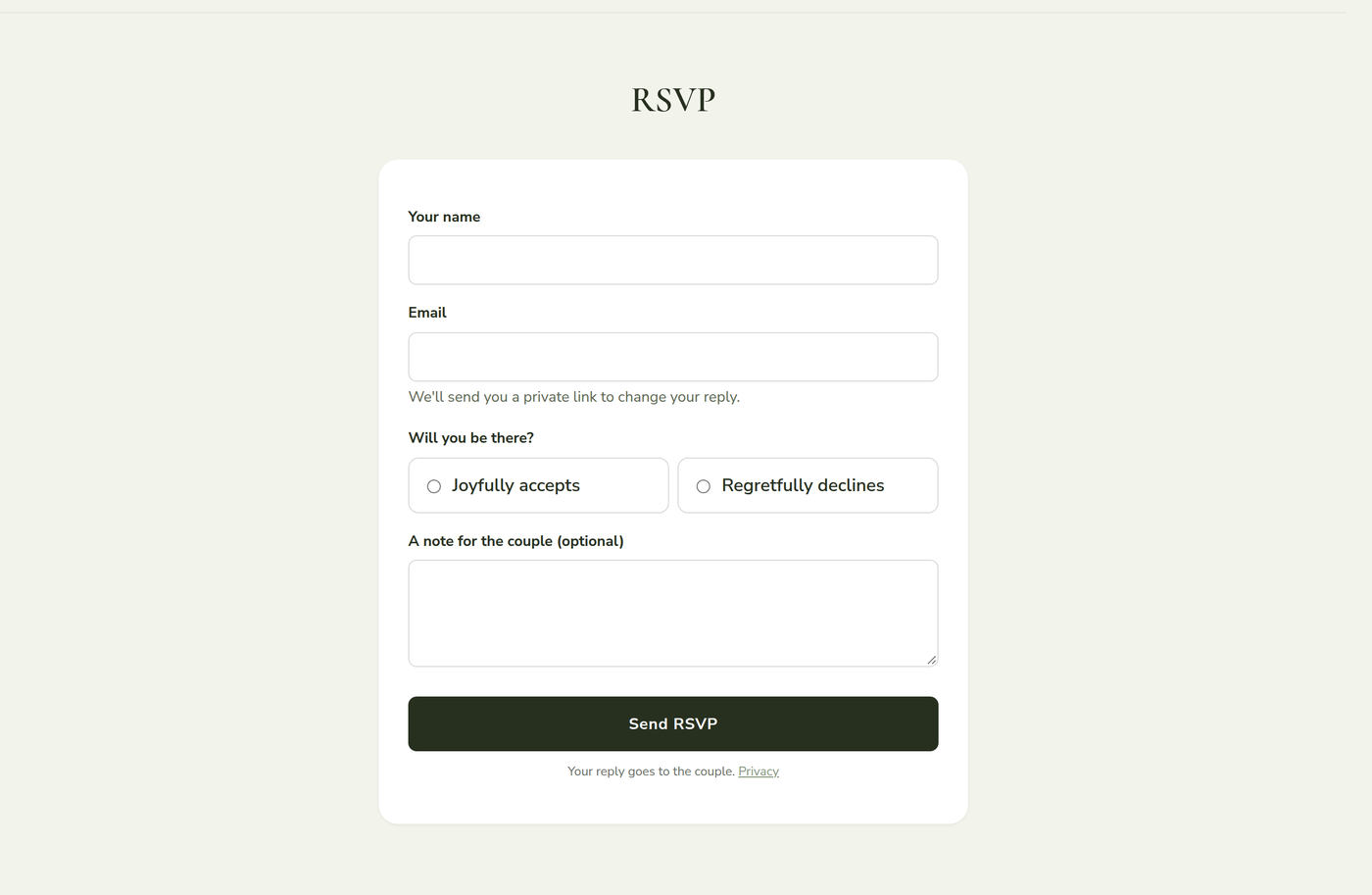
Turn on RSVPs and guests can reply right on your wedding website. Each guest replies for their whole party, chooses meals if you offer options, shares dietary needs, and can leave you a note. They get a private link to change their answer later, and you can set a reply-by date.
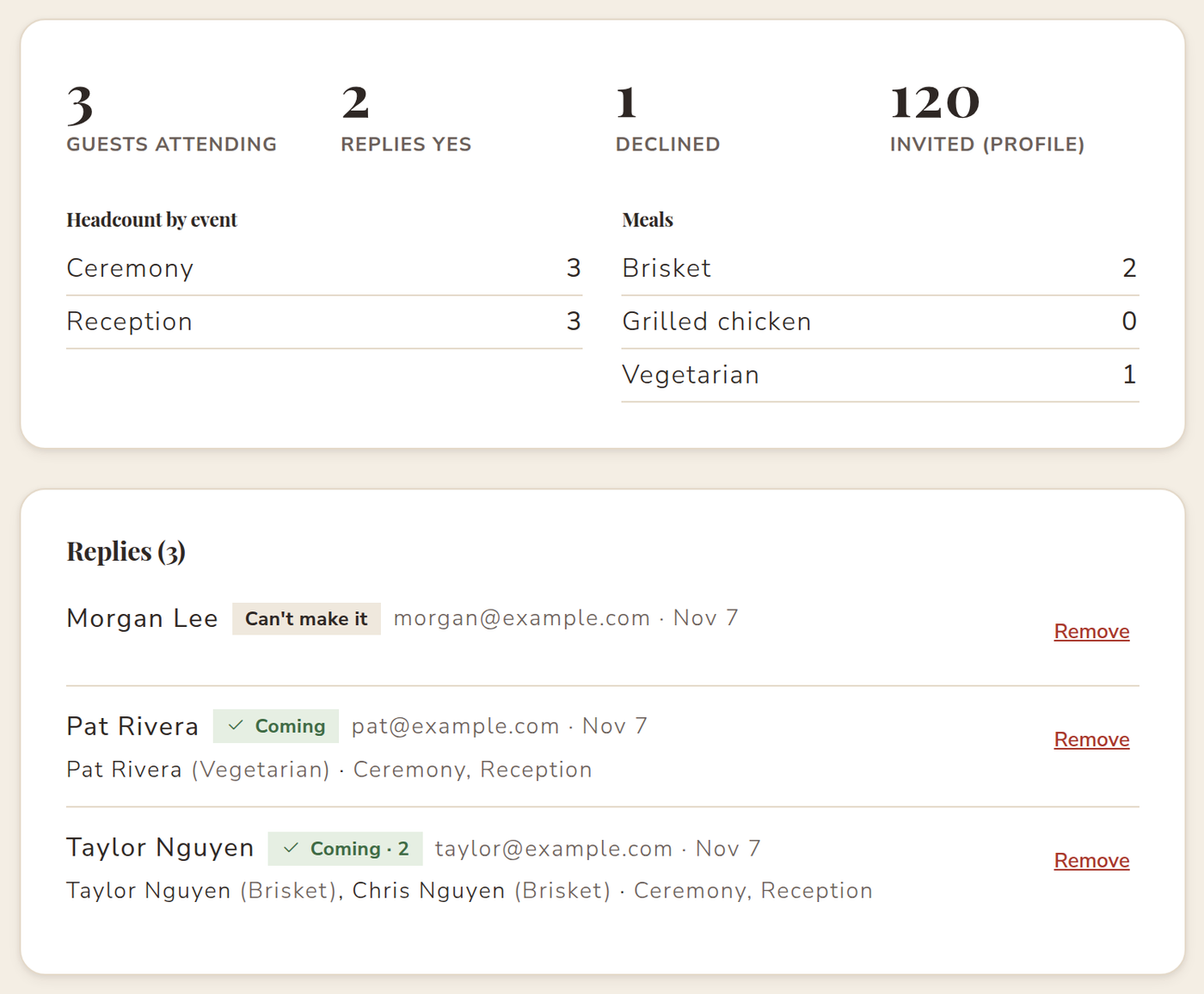
On your side, VowPair adds up the replies for you: guests attending, headcount for each event, and meal counts for your caterer. You can download the full guest list as a spreadsheet whenever you need it.
A registry guests can actually use
Add your own gift list, and guests mark what they're giving so nobody doubles up. You can also link to the store registries you already have, so everything is reachable from one place.
A matching invitation
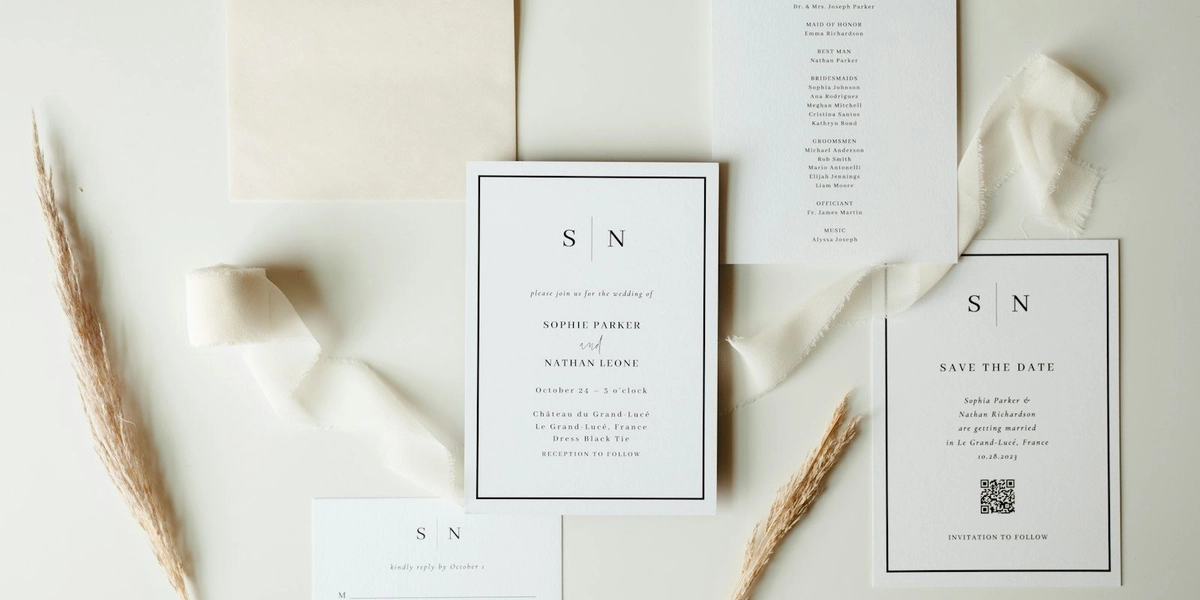
VowPair creates a digital invitation in the same style as your website, ready to download as a PDF or image to text, email or print.
Tips for a wedding website guests will actually use
- Publish early. Share the link with your save-the-dates, even if some details are still "coming soon". Guests book flights and hotels months ahead.
- Answer the questions you keep getting. Parking, kids, dress code, shuttle times: if more than two people have asked, it belongs in your FAQ.
- Set a reply-by date a few weeks before your caterer needs a final headcount, so you have time to follow up with anyone who hasn't answered.
- Offer meal choices only if your caterer needs them. Fewer questions means more replies.
- Check it on your phone. Most guests will open your wedding website from a text message.
Privacy for you and your guests
- Your site is only visible to people with the link once you publish it, and you can add a guest password.
- RSVP replies go to you, the couple. Guests can see how their information is used in our privacy policy.
- Your website stays yours. People you invite to help plan can't edit it.
All in one place with your vendors and budget
Because your wedding website lives in the same account as your vendors and your budget tracker, your headcount and plans stay connected. When RSVPs come in, you'll know your final guest count for the caterer and the venue without keeping a separate list.
The website, RSVPs, registry and invitation are all free. Create your free wedding website.
Cover photo by Micah & Sammie Chaffin on Unsplash. Screenshots use sample data; names are fictional.